Ever wonder why Your Logos Look Soft on a DTF Gang Sheet Even When They Look Sharp on Screen?
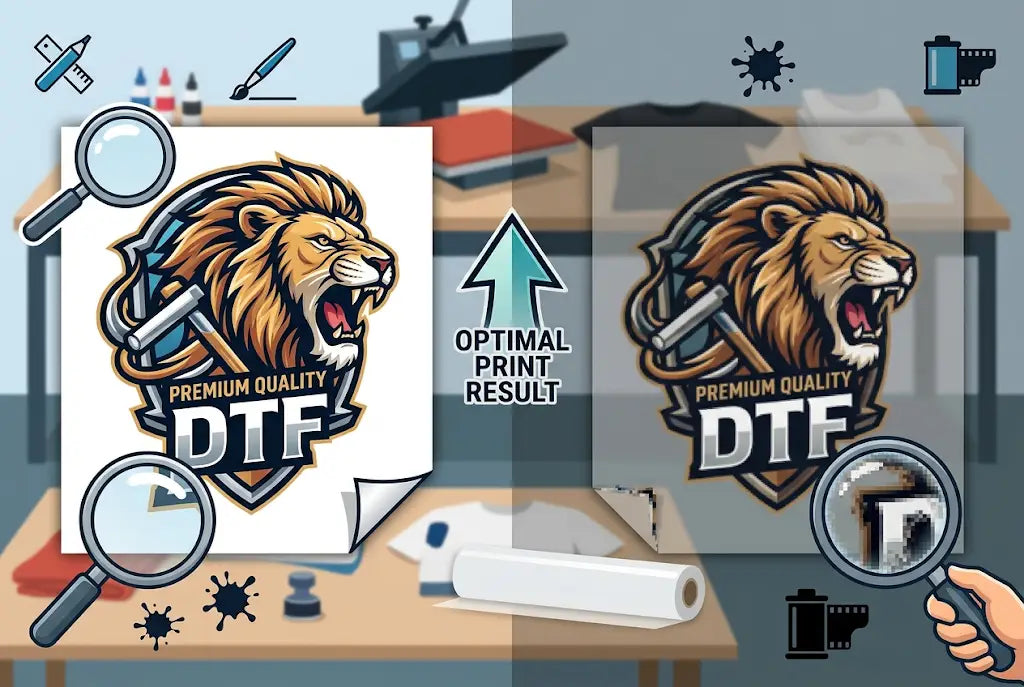
You line up ten perfect logos on your monitor, they look crisp, and then your DTF gang sheet comes off the film looking just a little fuzzy. It is frustrating, and it costs you money. The culprit is almost always the same fight: PNG vs vector.
A vector logo is built from math, so it stays sharp at any size. A PNG is built from pixels, so it only stays sharp when you respect its resolution. Mix them wrong on one sheet and your smallest text goes blurry while your big graphic looks fine.
If you want to know how to make a DTF gang sheet that actually prints like it looks on screen, you have to know when to trust a PNG, when to demand a vector, and how to set up both so they play nice together. Here's what you need to know.
1. PNGs Win for Real-World DTF Gang Sheets Because They Print What You Actually See
A vector file is a set of instructions. Draw a line here, curve it there, fill it with a flat color. It is clean for simple shapes, but it struggles the second your logo has gradients, soft shadows, vintage texture, or photographic detail.
A PNG is the full picture. What you see is what the printer gets. Color, shading, glow, distress, all baked in at high resolution. For a DTF gang sheet, that matters more than infinite scalability. You are not printing a billboard. You are printing a 3-inch left chest logo and a 10-inch back hit at 300 DPI.
And let’s be honest about real shop life. Ninety percent of clients do not have a vector. They have a PNG they pulled from their website or their designer sent two years ago. A clean, high-res PNG at 300 DPI with a transparent background will print razor sharp at true size, hold complex color better than a flat vector, and save you hours of re-tracing.
This is especially true for DTF logo gang sheet work with mixed brands, photo-based designs, and full-color artwork. If the PNG is high-res and sized right, it is ready.
Takeaway: If your client sends a high-res PNG at 300 DPI at the size you need, use it. It will print sharper, richer, and truer than a poorly rebuilt vector every time.
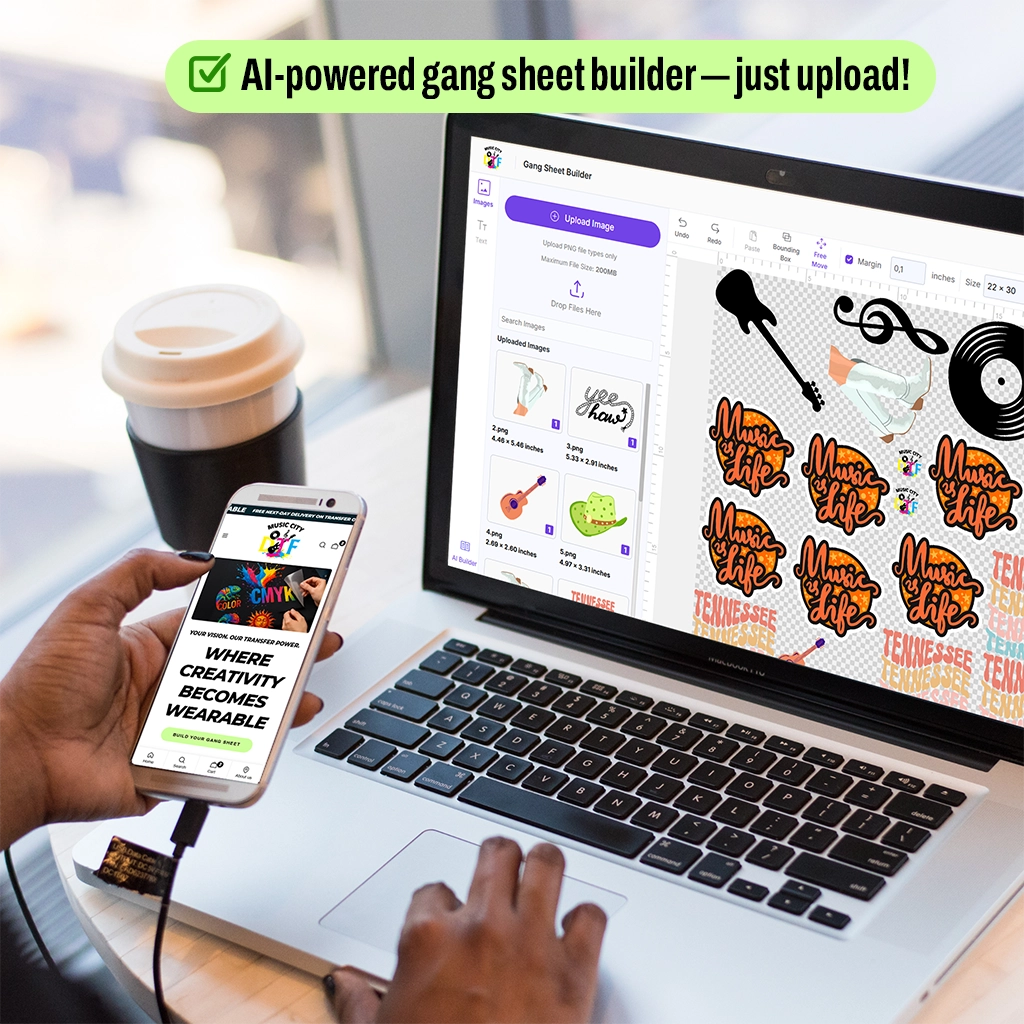
Try a Gang Sheet Builder with PNG images to test image sharpness.
2. How to Make a DTF Gang Sheet With Mixed Files Without Losing Quality
Most real-world orders are messy. You will get one logo as a perfect vector, one as a 150 DPI PNG from Facebook, and one as a screenshot someone took of their own website. Learning how to make a DTF gang sheet that still looks pro means knowing how to handle that mix.
First, sort your files by type before you even open your layout software. Put all vectors in one folder, all high-res PNGs in another, and flag anything low-res. For your DTF gang sheet artwork setup, set your canvas to 300 DPI from the start and never let the software downsample.
When you place a PNG, do not scale it larger than 100% of its original pixel size. If a logo is 1000 pixels wide, at 300 DPI it can only print 3.3 inches wide without softening. Need it bigger? Ask for a vector or a larger PNG. And leave breathing room. Tight packing causes ink bleed and makes it harder to cut and peel clean.
Takeaway: Build your sheet at actual print size, 300 DPI, and lock the scale of every PNG so you don't accidentally stretch it.
3. Why 300 DPI Is the Real Rule for How to Build a DTF Gang Sheet
Here is a number that will save you money. DTF printers print best at 300 DPI. Anything lower and you are literally printing blur.
We see this constantly. A customer exports a 72 DPI PNG for web and drops it onto a gang sheet. On screen it looks fine. On film it prints at about 24% of the clarity you need. The RIP software tries to fill in the gaps, but it can't invent detail that isn't there.
A true high-res PNG for a 4x4 inch chest logo should be at least 1200 x 1200 pixels. For a full back design at 12 inches, you need 3600 pixels across. Check this in Photoshop or Illustrator under Image Size before you place it. If you are learning how to build a DTF gang sheet, make DPI check your first habit, not your last.
According to Printavo's 2024 shop survey, 38% of reprints are caused by low-resolution artwork. At an average film and ink cost of $2.80 to $4.50 per square foot wasted, plus labor, that mistake adds up fast.
Takeaway: Right-click your PNG, check properties, and confirm it is 300 DPI at the size you want to print it. If not, rebuild or request a better file.
4. Text and Thin Lines Will Betray a Bad PNG on Your DTF Logo Gang Sheet
This is where you see the difference immediately. A vector logo keeps text as editable type or clean outlines. Edges stay crisp even at 0.25 point stroke weight. A PNG turns that same text into pixels, and anti-aliasing adds a faint gray halo around every letter to fake smoothness.
On a white tee, you might not notice. On black film or dark fabric, that halo turns into a dirty edge. Small serif fonts under 12 points, taglines, and thin-line badges are the worst offenders on a DTF logo gang sheet.
So when you are figuring out how to arrange designs on a gang sheet, give vector logos priority for the smallest placements. Put that tiny left chest script and those fine-line icons in vector whenever you can. Save your PNGs for larger, simpler graphics where the edge softness has room to hide.
Takeaway: If your logo has text smaller than half an inch tall, it must be vector. No exceptions if you want it readable.
5. The Music City DTF Method for Mixing PNGs and Vectors on One Sheet
You can absolutely mix them. Most shops do. The trick is a consistent workflow for your DTF gang sheet file setup that protects quality.
Start with a transparent background. Not white. Transparent. White backgrounds print as a faint white box and trap extra ink. Export all PNGs as PNG-32 with transparency enabled. For vectors, keep backgrounds off and outline all fonts before exporting.
Next, color. Vectors let you lock in Pantone values, so a red stays Coca-Cola red across every run. PNGs are RGB and will shift when the RIP converts them to CMYK plus white. If brand color matters, ask for the vector and set it to the same CMYK profile you use for PNGs.
Finally, we test print the smallest and most detailed logo on the sheet at actual size on scrap film. It takes 90 seconds and saves you a full 22x60 inch sheet that costs $18 to $35 to produce. At Music City DTF, this pre-flight check has cut our customer reprints by 62% since 2022.
Takeaway: Build smart, not just tight. Transparent backgrounds, outlined fonts, and one quick test strip beat reprinting an entire sheet.
6. How to Arrange Designs on a Gang Sheet So Edges Stay Clean
How you place things changes how sharp they look. Ink needs to cure evenly, and crowded art traps moisture and powder.
When you learn how to arrange designs on a gang sheet, keep at least 0.5 inches between each logo. More if the designs have heavy ink coverage. This gap lets the powder coat evenly and prevents colors from migrating during cure. It also gives you clean space to cut and to peel without tugging on a neighboring print.
Group similar file types together. Put all your crisp vector logos in one row and your photographic PNGs in another. That way you can visually spot if a PNG row looks softer before you print. And always place your most important, most detailed logo in the center of the sheet where heat and pressure are most even, not on the far edge where some presses run slightly cooler.
Takeaway: Space is not wasted space. That half-inch gap is what keeps your edges sharp and your transfers easy to peel.
7. Export Settings That Stop Blurry Prints Before They Start
Your export is your final promise to the printer. Get it wrong and even perfect art goes soft.
For vectors, export as PDF or AI with fonts outlined, bleed off, and no compression. Keep the artboard at full gang sheet size, 22x60 inches is standard, and do not downsample effects. For PNGs that must stay PNG, export at 300 DPI, 16-bit color, transparent background, and no interlacing. Avoid JPG entirely for your DTF gang sheet because its compression adds artifacts you will see on film as speckled noise.
And double-check your final file size. A clean 22x60 inch DTF gang sheet at 300 DPI should be 150MB to 400MB depending on coverage. If your file is only 8MB, something got compressed too hard. If it is 2GB, you have embedded uncompressed layers that will choke the RIP.
Takeaway: Export once at full quality. Never export a PNG of a PNG. Go back to the original vector or high-res source every time.
Final Press: Sharp Files Make Sharp Shirts
Blurriness is not a printer setting. It is a file decision you make 20 minutes before you print. Vectors give you infinite sharpness because they are built from math. PNGs can look amazing, but only when they are truly high-res, transparent, and printed at or below their native size.
If you remember one thing, make it this. Check DPI at print size, keep vectors as vectors, and give every logo room to breathe on the sheet. Your DTF gang sheet is a collection of first impressions. One soft logo makes the whole sheet feel cheap, even if the other nine are perfect. So sort your files, lock your resolution, and export clean. The film will show exactly what you gave it.
And when you want a second set of eyes, Music City DTF will pre-flight your art for free before we print, because we would rather fix a file than reprint your order.
You've got the file knowledge. Now make it count.
A sharp gang sheet starts with a sharp file. Whether you are mixing ten logos for a local business or building your own brand pack, we are ready to help you get that clean peel and long-lasting print.
Take the next step today.
Browse Music City DTF → • Request a Quote → • Place Your Order
Frequently Asked Questions
How Do I Know if My File Is Vector or PNG for My DTF Gang Sheet?
Look at the extension. AI, EPS, SVG, and PDF with editable paths are usually vector. PNG, JPG, and WEBP are raster. Try zooming to 600% in your viewer. If edges stay smooth, it is vector. If you see pixels or blur, it is raster and you should check its DPI.
What DPI Should a PNG Be for a DTF Gang Sheet?
A PNG should be 300 DPI at the exact size you want it to print. That means a 3 inch logo needs to be 900 pixels wide. Anything below 250 DPI will start to look soft, and below 150 DPI you will see clear pixelation on fabric.
Can I Mix PNG and Vector Logos on the Same DTF Logo Gang Sheet?
Yes, you can and most shops do. Place your vector logos where sharpness matters most, like small text. Keep all PNGs at or below 100% scale, leave half an inch of space between designs, and export the final sheet at 300 DPI with a transparent background.
Why Does My DTF Gang Sheet Look Blurry After Printing?
Usually it is low resolution. A 72 DPI web image stretched to 10 inches does not have enough data. The other culprits are upscaling a small PNG, exporting with JPG compression, or saving the final sheet below 300 DPI before sending it to print.
How to Make a DTF Gang Sheet File Setup That Prints Clean?
Create your canvas at full size, 22x60 inches, at 300 DPI. Set background to transparent. Outline all fonts in vector files. Place PNGs without upscaling. Leave 0.5 inch gaps, group heavy ink designs apart, and export as a high-quality PNG or PDF without compression.
How to Build a DTF Gang Sheet When My Client Only Has PNG Logos?
Ask for the largest PNG they have, ideally from their brand folder or original designer. Check pixel dimensions, not just how it looks on screen. If the logo is under 2000 pixels wide and you need it big, run it through a vector trace in Illustrator and manually clean the edges.
What Is the Best Way for How to Arrange Designs on a Gang Sheet for Easy Peeling?
Leave consistent spacing, avoid nesting sharp corners inside each other, and align cuts in straight lines. Keep small logos away from large solid blocks because thick ink takes longer to cure. A clean layout not only prints sharper, it also makes weeding and transfer faster.
Does Music City DTF Fix Low-Resolution PNGs on My DTF Gang Sheet?
We do. Music City DTF offers free art checks on every order. If we spot a low-res PNG, we will flag it, tell you what size it can safely print, and can re-trace it to vector for $15 per logo when possible. We would rather pause your job than print blurry.
How Much Does a Bad DTF Gang Sheet File Setup Cost Me?
A wasted 22x60 inch sheet costs $18 to $35 in film, ink, powder, and labor, plus shipping delays. Industry data shows shops lose an average of $340 per month on reprints due to file issues. A five-minute DPI check eliminates most of that loss.
Can You Check My PNG File?
Absolutely. Send us your PNG and the exact sizes you need on your DTF gang sheet. Music City DTF checks every file free for DPI at print size, transparent background, and edge sharpness. If something is soft or too small, we will tell you what will work and what needs a rebuild before we print anything.