Key Highlights
- High-resolution artwork guarantees that DTF transfers produce sharp and vibrant prints on garments.
- The most recommended format for custom DTF printing is PNG files that contain transparent backgrounds.
- The correct sizing, together with proper dimensions, prevents distortion while design accuracy stays intact on apparel.
- The printing process achieves improved color consistency through the application of CMYK color profiles.
- The final transfer results show quality when the artwork contains only essential elements without any additional backgrounds.
DTF transfers enable all clothing businesses, from small clothing brands to large print shops, to create their designs through film printing, which they can subsequently transfer to fabrics using highly durable methods that deliver vibrant color results. However, to ensure that your custom apparel always has the premium look, you need to understand DTF file requirements for image preparation.
The professional printing results depend on the printing process, which requires high-quality artwork files that artists have prepared according to proper DTF design file specs for printing purposes. If the original design file fails to meet DTF standards, it can cause printing problems that include blurry graphics, incorrect colors, and unwanted backgrounds. In this blog, we’ll help you understand DTF file requirements so you can prepare your artwork for the best possible results.
Understanding the Best File Formats for DTF Transfers
The selection of the appropriate file format is the primary critical factor that artists must complete when preparing their DTF transfer artwork to meet DTF transfer PNG requirements. The most commonly recommended format is PNG with a transparent background. This format preserves image quality while eliminating unwanted background areas that could interfere with printing.
PNG files make it possible for users to see designs in their actual form when they are transferred to clothing items. Transparent backgrounds are a major advantage for logos or graphics with irregular shapes, as they allow the complete design to be shown without showing any edges of the artwork.
You should refrain from using low-quality formats, such as compressed JPEG files, whenever you have the opportunity to do so when preparing files based on DTF file specs and PNG standards. Low-quality files contain background colors with compression artifacts, which result in decreased clarity of the final printed transfer.
Resolution and Image Quality Requirements
The majority of professional printers require artists to provide artwork with a 300 DPI resolution at their final printing size. This process enables designs to maintain their original appearance because they get printed onto fabric materials.
The preferred choice for artists who want to create vector artwork that they can resize stems from its capacity to maintain consistent resolution across different dimensions. High DPI maintenance becomes essential when using raster images such as PNG files for their display purposes and maintaining proper DTF PNG resolution.
Another important factor is avoiding screenshots or images downloaded from the internet, as these typically have low resolution and do not meet DTF image quality requirements. The use of original artwork files guarantees that the final transfer maintains its professional appearance when printed on custom apparel.
Preparing Artwork for Clean DTF Printing
Clean artwork preparation ensures the final DTF transfer prints smoothly and looks professional on garments, especially when following a proper DTF dpi resolution guide. The first step requires designers to eliminate all background elements, which include shadows and outlines that were not meant to be part of the completed design.
Designers should also check for stray pixels or small artifacts around the edges of graphics. These elements become visible after printing because they surface on fabric when pressed down.
Another important practice is outlining fonts or converting text to shapes before exporting the file. This process protects printing from missing fonts and formatting problems while maintaining the correct DTF color profile settings for consistent printing.
Conclusion
The process of creating high-quality DTF transfers requires artists to prepare their artwork according to specific file requirements and proper DTF design file specs. A complete process includes file format selection and resolution determination to proper size and color setting verification, resulting in producing clean and vibrant prints for custom apparel. The DTF printing process requires businesses to optimize their designs to protect against costly errors and produce professional work for their clients.
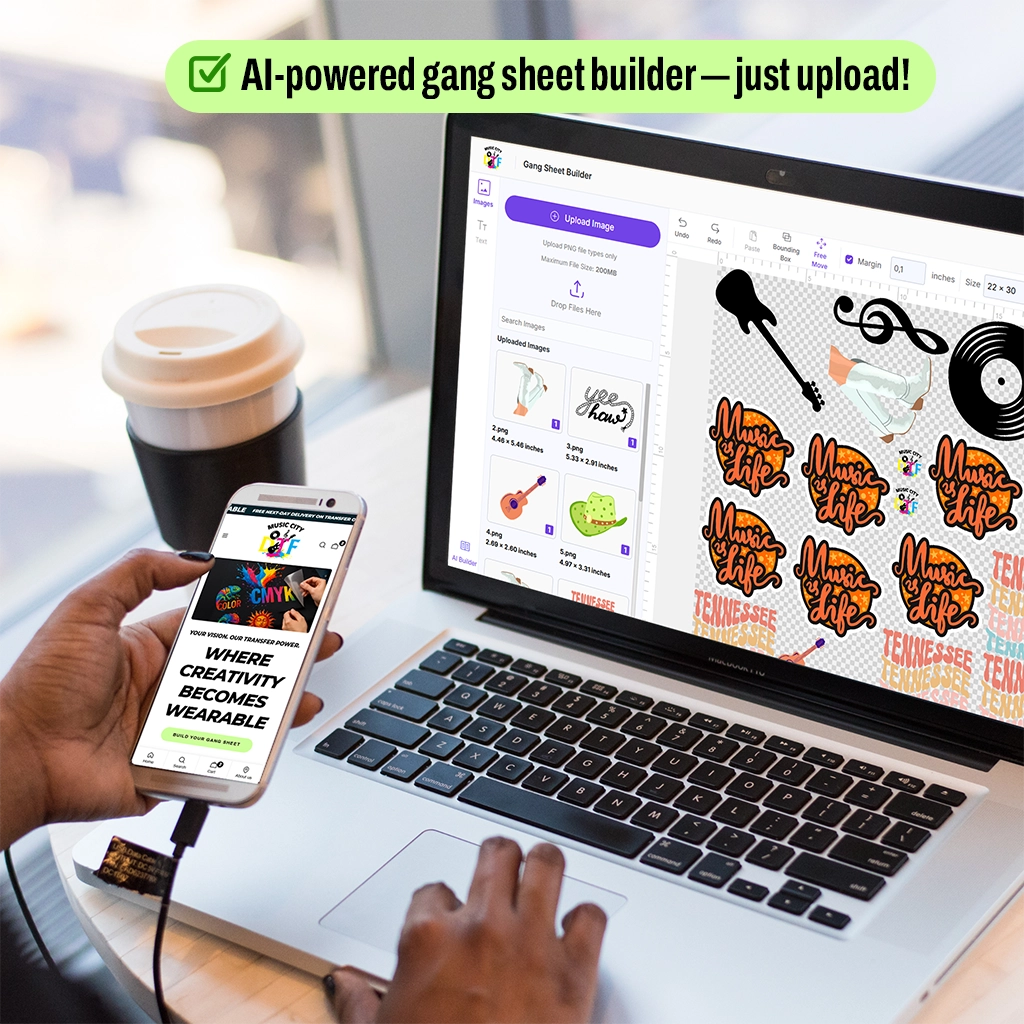
Want to avoid mistakes with file requirements? Try our DTF Sample Pack first. Also try our Gang Sheet Builder to design multiple layouts, which you can organize into efficient arrangements without wasting time and space.
FAQ
1. What file format is best for DTF transfers?
The best file format for DTF transfers is PNG with a transparent background that follows common DTF transfer PNG requirements. PNG files preserve image quality and allow designs to print without unwanted backgrounds. The files enable printing at high resolution, which maintains graphic sharpness and vibrant colors when heat pressing onto garments.
2. What resolution should a DTF transfer file have?
DTF transfer files should ideally be created at 300 DPI at the final print size, according to most DTF artwork dpi guide recommendations. The resolution enables printers to produce graphics that maintain their original appearance when printed and transferred onto fabric.
3. Can JPEG files be used for DTF printing?
No. JPEG files can technically be used, but they are not recommended for DTF printing when following DTF file specs and PNG standards. JPEG compression reduces the quality of images and produces solid backgrounds, which will show up during the transfer process. PNG files are preferred because they maintain better quality and support transparent backgrounds.
4. Why is transparency important in DTF files?
Transparency ensures that only the design itself is printed on the transfer film. The background color and unwanted area of a file will print and transfer onto the garment. Transparent backgrounds enable the final print to maintain a professional appearance because they prevent extra shapes from appearing around the artwork.
5. Should artwork be in RGB or CMYK for DTF printing?
The majority of DTF printers use CMYK color profiles for their operations, which relate to proper DTF color profile settings. The CMYK format enables printers to reproduce colors with high accuracy because it uses specific color values. RGB files can be used for production purposes, but the system will convert them into another format, which makes the colors differ from what users expected.
6. What size should a DTF design be?
The DTF design needs to follow specific size requirements based on its intended placement on the clothing. The standard width for front designs ranges between 10 and 12 inches, while designers use 3 to 4 inch dimensions for smaller chest logos. The final print size should serve as the basis for artwork preparation.
7. Which vector file formats work for DTF transfer applications?
The DTF design creation process uses vector files, such as AI, EPS, and SVG files, when comparing DTF vector vs PNG file preparation. Vector artwork can be resized without losing quality. Printers transform vector artwork into high-resolution PNG files, which they print onto transfer film.
8. Why does a DTF print look blurry?
The DTF print becomes blurred when the original file contains low resolution and does not follow a proper DTF dpi resolution guide. The resolution issue arises because digital designers must create their artwork at 300 DPI, together with the correct design dimensions, before printing.
9. Do fonts need to be outlined in DTF files?
Yes. The practice of outlining fonts should occur before file submission because designers should create their text as shapes that represent their content. This process guarantees that the printed product will match the original design and meet DTF image quality requirements. The printer needs to have the same font installed, or else fonts will change.
10. Can designers submit multiple designs through a single file?
Yes. Designers can include multiple designs within one file to create gang sheets while maintaining proper DTF PNG resolution and layout quality. This method allows several graphics to be printed together on one transfer film sheet. The process helps custom apparel printing operate with increased efficiency because it optimizes available space while minimizing waste.